
Granting rights in Estonian e-business portal
tutorials
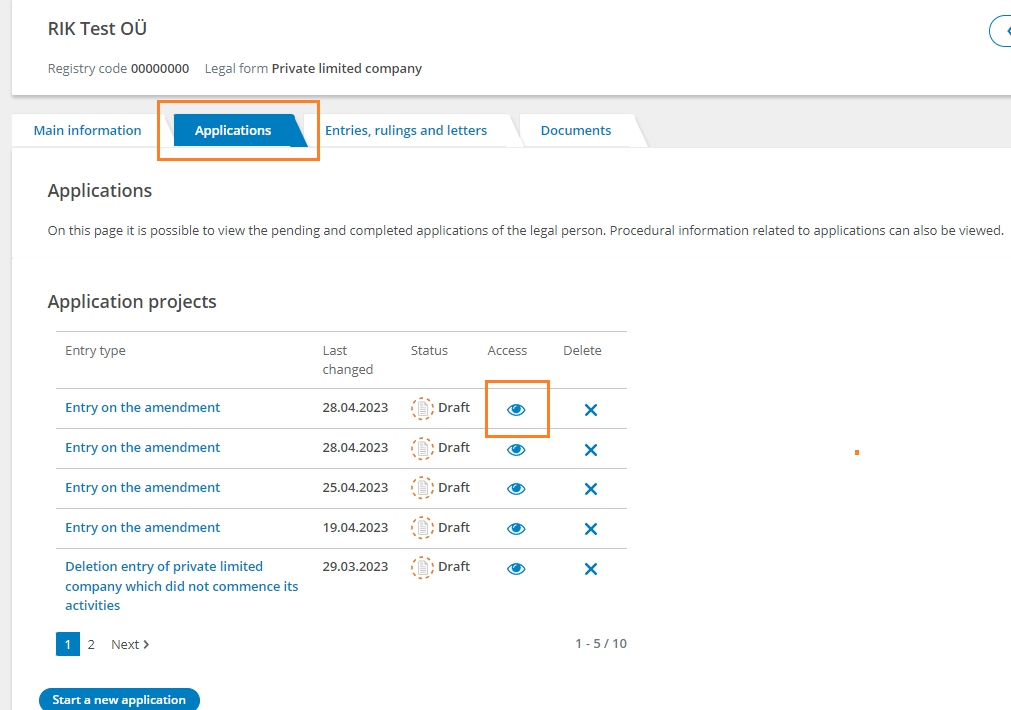
If you wish to grant access to a specific application, you can do this by selecting "Applications" from the left menu in the desktop view of the legal entity related to you and clicking on the eye icon in the "Access" column next to the applications on the page that opens.
Granting access to current application
Enter the person’s Estonian ID code to whom you want to give access.
Once done, notify the person.
Granting access to full company data
To grant someone access to all data and statements, access can be added by pressing the "Manage access" button in the "Persons with access" section of the legal person's main information view
